

Beta 3 service manual · Servers
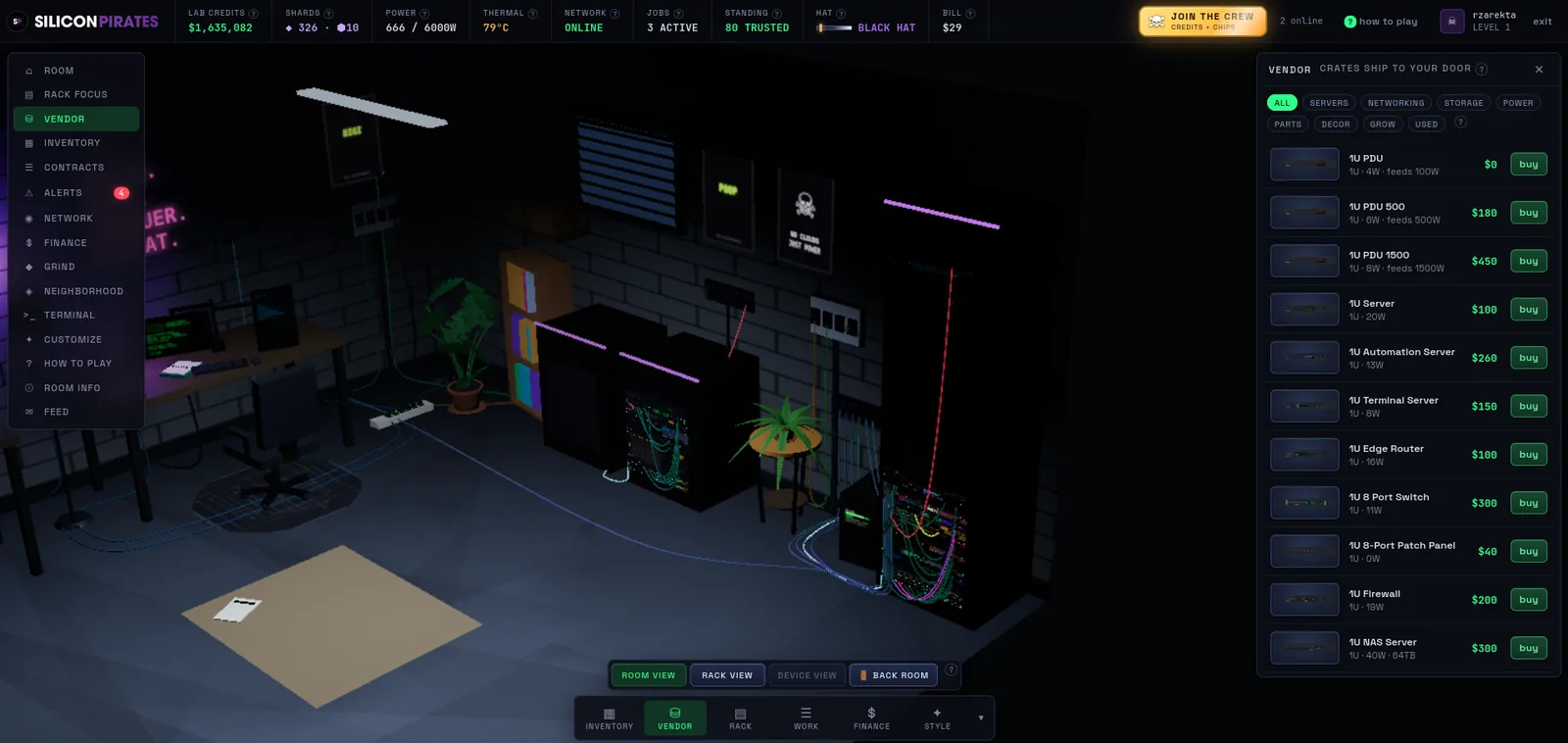
1U Server
The 1U Server is your main earner. Idle, it rents out its compute. Running an application stack, it rents seats to tenants.
| Category | Server |
|---|---|
| Rack height | 1U |
| Price | $100 |
| Ports | PSU1, PSU2, ETH0, CTL |
| Ships with | Loom L4 processor (4 compute units), two 8 GB DIMMs, 500 W flex PSU, three 40 mm fans |
| Slots | 1 processor, 4 memory, 2 drive bays, 2 PSUs, 3 fans, 1 controller |
Two ways to earn
Online and idle, the server rents out its compute: every compute unit pays a flat rate an hour, with no setup. Or it runs an APPLICATION STACK and rents seats to tenants, which pays far more.
The stack
Install the Base Runtime, then services on top: Web Hosting, a Game Server, a Managed Database, an Analytics Pipeline, a Chat Relay and a Mail Server, all with tenant seats, plus Metrics (databases and analytics need it), a Backup Agent and a Deduplication Engine.
Each running service costs processor and memory from the box. Fit a bigger processor or more DIMMs at the workbench to run more. Pull a part and the stack goes DEGRADED until it fits again.
It needs a NAS share
The stack lives on a share on a NAS the server can reach. Running services write data to it every minute. A full share starves the whole stack: grow the share, clear data, archive it, or run Deduplication.
Seats and trust
Tenants move in one at a time, up to seats times TRUST, and leave twice as fast. Trust is your uptime streak (10 clean minutes), your backups (a current mirror, or the Backup Agent), your security posture and the health of the array. Router QoS (x1.2) and a port forward (x1.25) raise the rate further.
Seat rent piles up on the server. Collect it in the inspector or with svc <dev> collect. Removing the server banks it.
When it goes wrong
- A fault. The server hangs and a clock starts. Fix it by hand for free, reboot it, or pay a tech. Let the clock run out and it crashes.
- Heat. A busy stack runs hotter. Better fans run cooler and wear slower.
- A dead part. A failed part shows a red fault LED and drops the server until you replace it at the workbench.
Terminal: svc, svc catalog, svc <dev> install|start|stop <service>.
See also: Hosting in the game systems reference · The workbench · 1U NAS Server.